Choose The Right Workflow
Total Recorder Editor Pro includes YouTube-link import for an audio-editing workflow. Use the dedicated Total Free YouTube Downloader when you need a saved video file or source-format selection.
Only import media you own or have permission to download. Supported websites can change, and a link may be unavailable or restricted.
Import The Link
Use the editor's YouTube import tool and paste a complete youtube.com or youtu.be link. First use prepares the required components on your PC.
Allow time for component preparation and the import to finish. The prepared components are saved on your PC for later use.
- Copy the permitted video's complete link.
- Paste it into the YouTube import tool.
- Finish any required component preparation, then wait for the audio to load.
Edit Or Troubleshoot
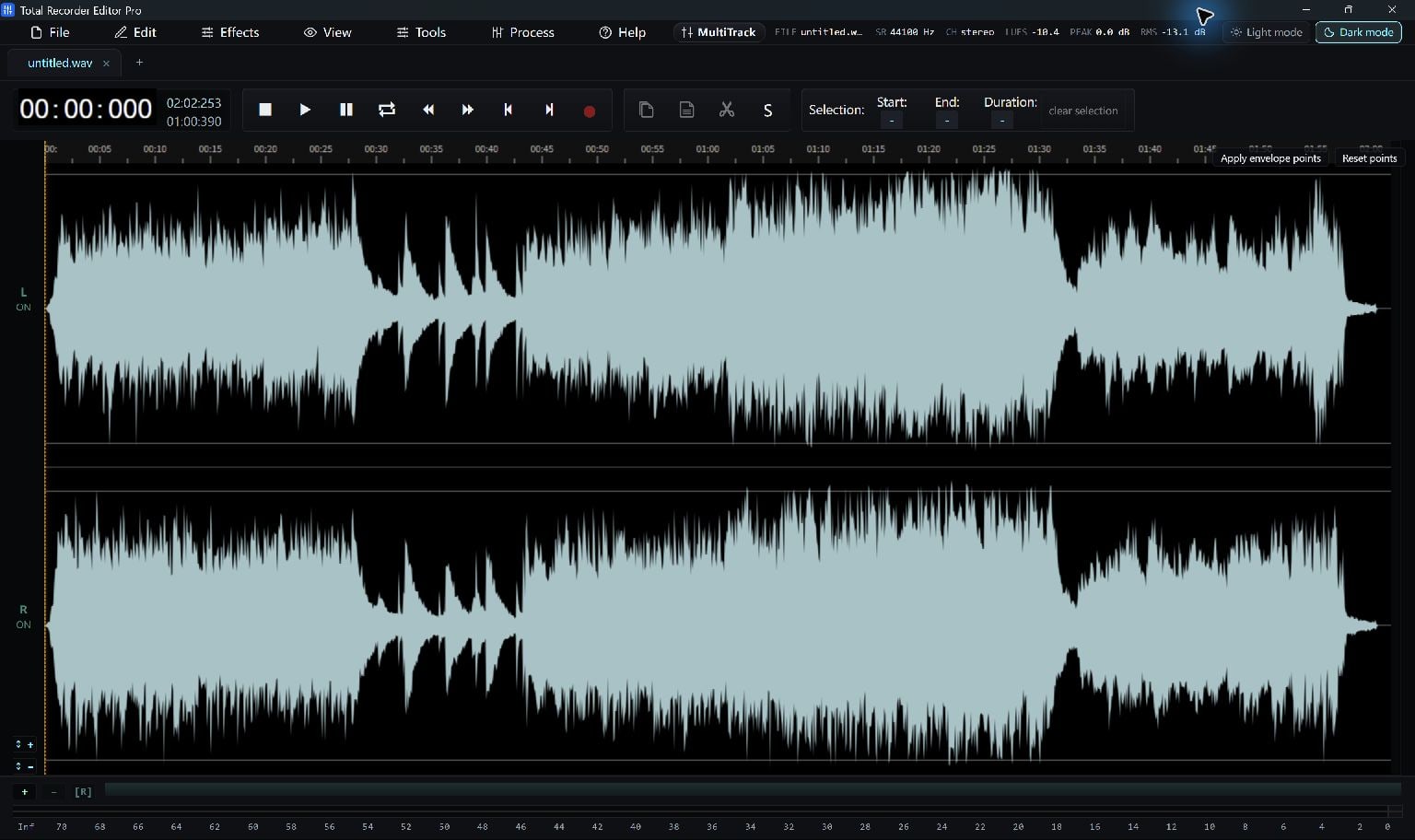
Once the waveform is available, trim and save the audio like any other recording.
If the import fails, inspect the message and use Help to update the YouTube component before retrying the same link. Updating cannot make a private, unavailable or protected source accessible.
Keep Going
More Recorder Editor Pro Guides · Explore Total Recorder Editor Pro · Get Help