Read The Link's Formats
Choose Add YouTube link, paste a complete public video address and select Read formats. This reads details such as title, duration and available streams without downloading the video's media yet.
Choose Best available quality or a specific available source format. Choose the input audio track when offered. These selections describe the source, not the final output.
Build The Queue
Choose Add to queue. For a supported playlist, enable the playlist checkbox only when you want its entries as separate jobs.
A playlist lookup can add up to 100 available entries, using each video's own available streams. Unavailable items are skipped with a message.
- Read the formats for a supported link.
- Choose the source quality and audio selection.
- Add the result to the queue.
Choose The Saved File
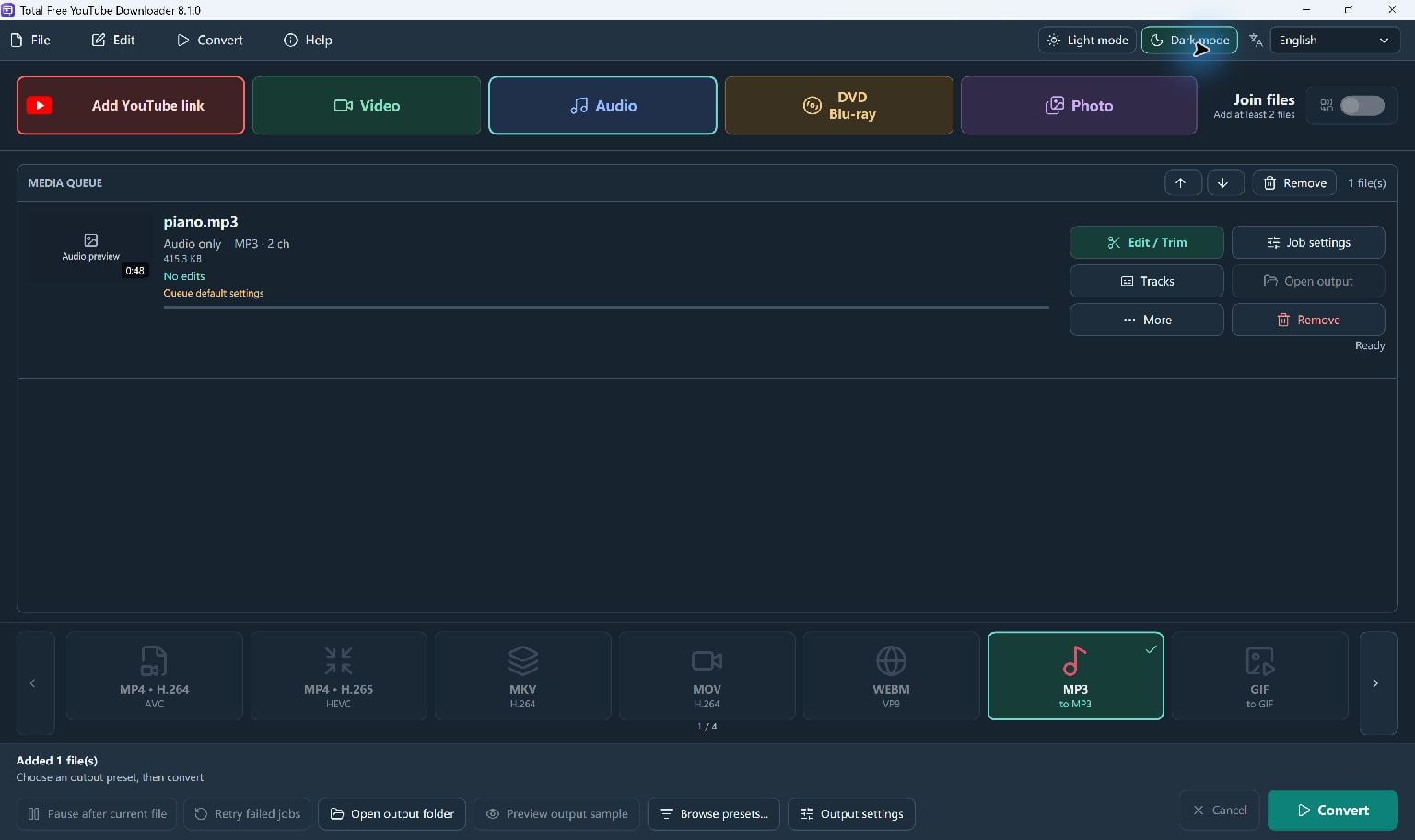
On the main screen, choose the output preset and destination. An MP4 output gives you a video copy; an audio preset gives you an audio file.
Start Convert. The app downloads the pending source and converts it using those main-screen output settings before moving to the next queued job.
If A Source Fails
Read the reported cause. Use Help to check the download-module update, then retry if the failure is caused by website compatibility.
Updates do not bypass private access, subscriptions, DRM or an unavailable source. The application does not read saved browser logins or cookies.
Keep Going
More YouTube Downloader Guides · Explore Total Free YouTube Downloader · Get Help