Select The Available Input
In Add YouTube link, paste a permitted source and use Read formats. Choose the available video quality or an audio-only source when appropriate.
A source label such as a resolution or container describes what the app retrieves. It does not replace the output preset selected on the main screen.
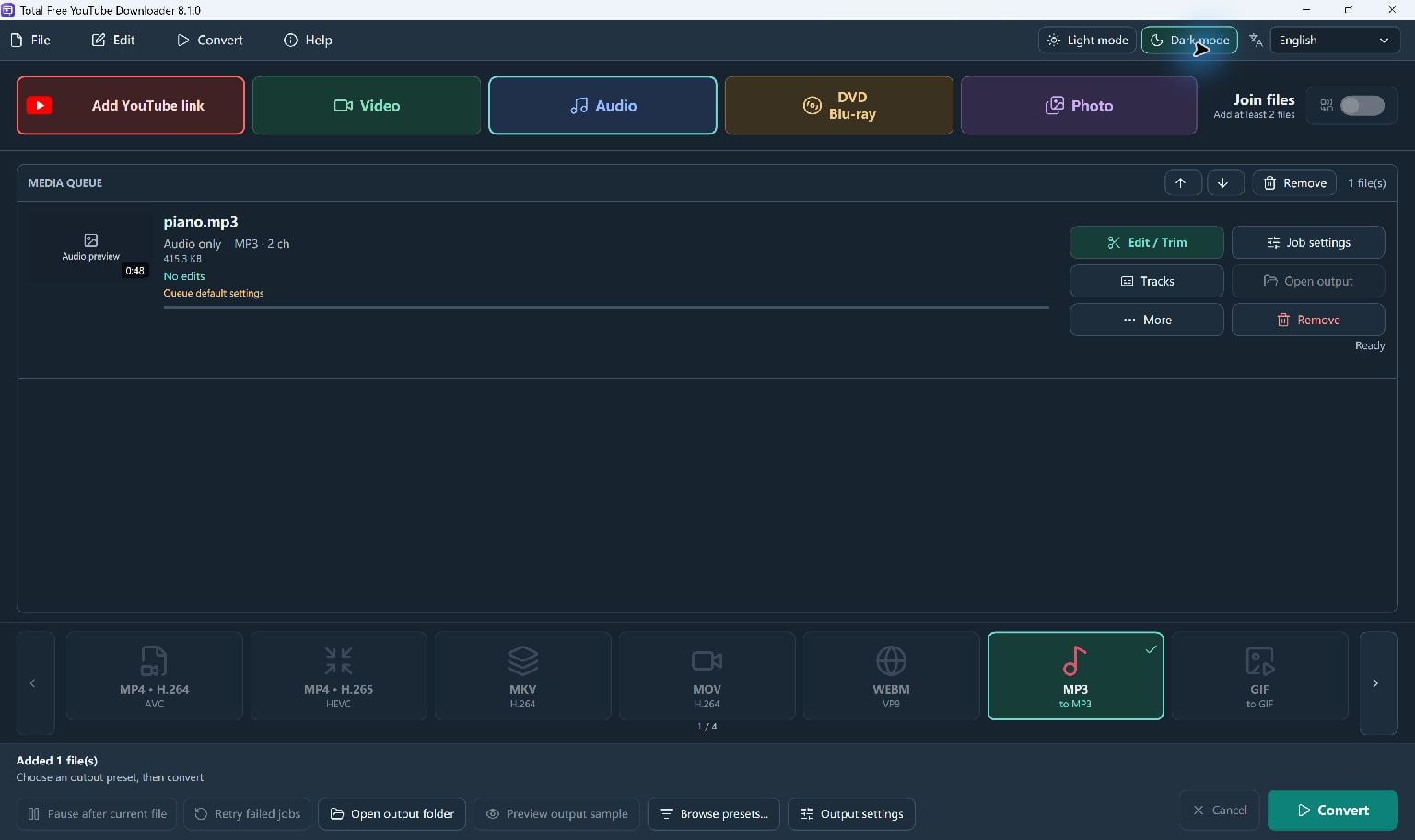
Choose Video Or Audio Output
Add the source to the queue. Select MP4 for a video output, or MP3, WAV, FLAC or another supported audio preset for an audio file.
Choosing a larger output resolution cannot create source detail that does not exist. Converting a compressed source to a lossless format does not restore lost audio detail.
- Read and select an available source.
- Add it to the queue.
- Choose the final output preset and folder on the main screen.
Convert And Check The Result
Start Convert. The pending source downloads before conversion. Editing and local sample playback become available after the source is downloaded.
Open the completed file and check that it has the picture or sound you expected. Update the download module and retry when a supported site has changed.
Keep Going
More YouTube Downloader Guides · Explore Total Free YouTube Downloader · Get Help