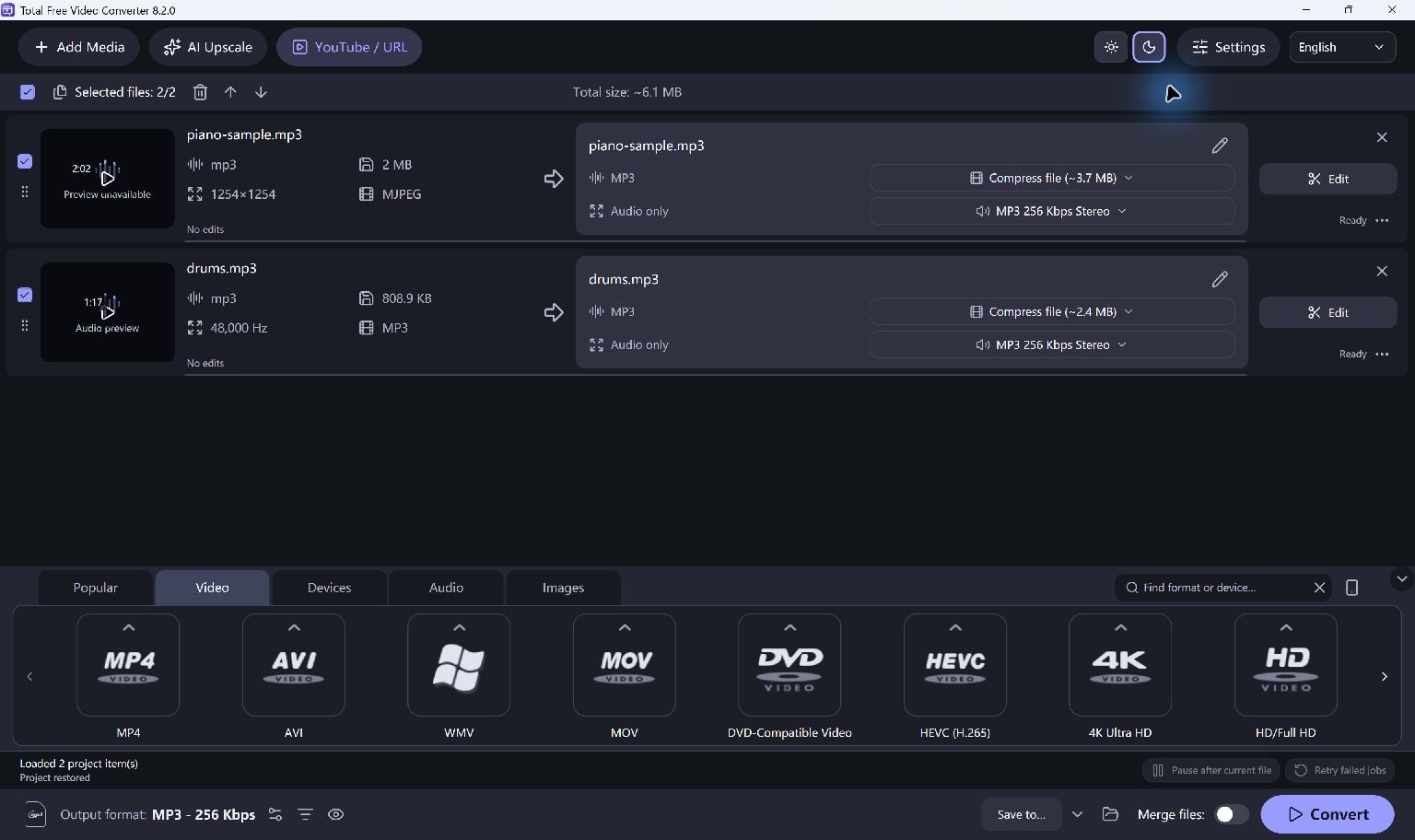
Add Your Videos
Add supported local video files to the queue. Common choices include MP4, AVI, MKV, MOV, WMV and WebM.
Review the queue before starting. Apply per-file edits if different clips need different start points or output settings.
Choose A Format And Frame
Select the output format on the main screen. MP4 with H.264 is a practical starting point for many playback workflows, but the destination's requirements decide the best choice.
Use trim, crop, rotate or resize controls when needed. Check a sample rather than judging quality by the preset name alone.
- Select the desired output preset.
- Adjust edits and quality settings if needed.
- Choose your output folder.
Convert And Verify
Start Convert and review the job results. Open the completed file in the player or editor where you plan to use it.
Smaller dimensions or lower bitrate can reduce file size, with a possible reduction in picture quality. Hardware encoding depends on the PC and selected codec.
Keep Going
More Video Converter Guides · Explore Total Free Video Converter · Get Help