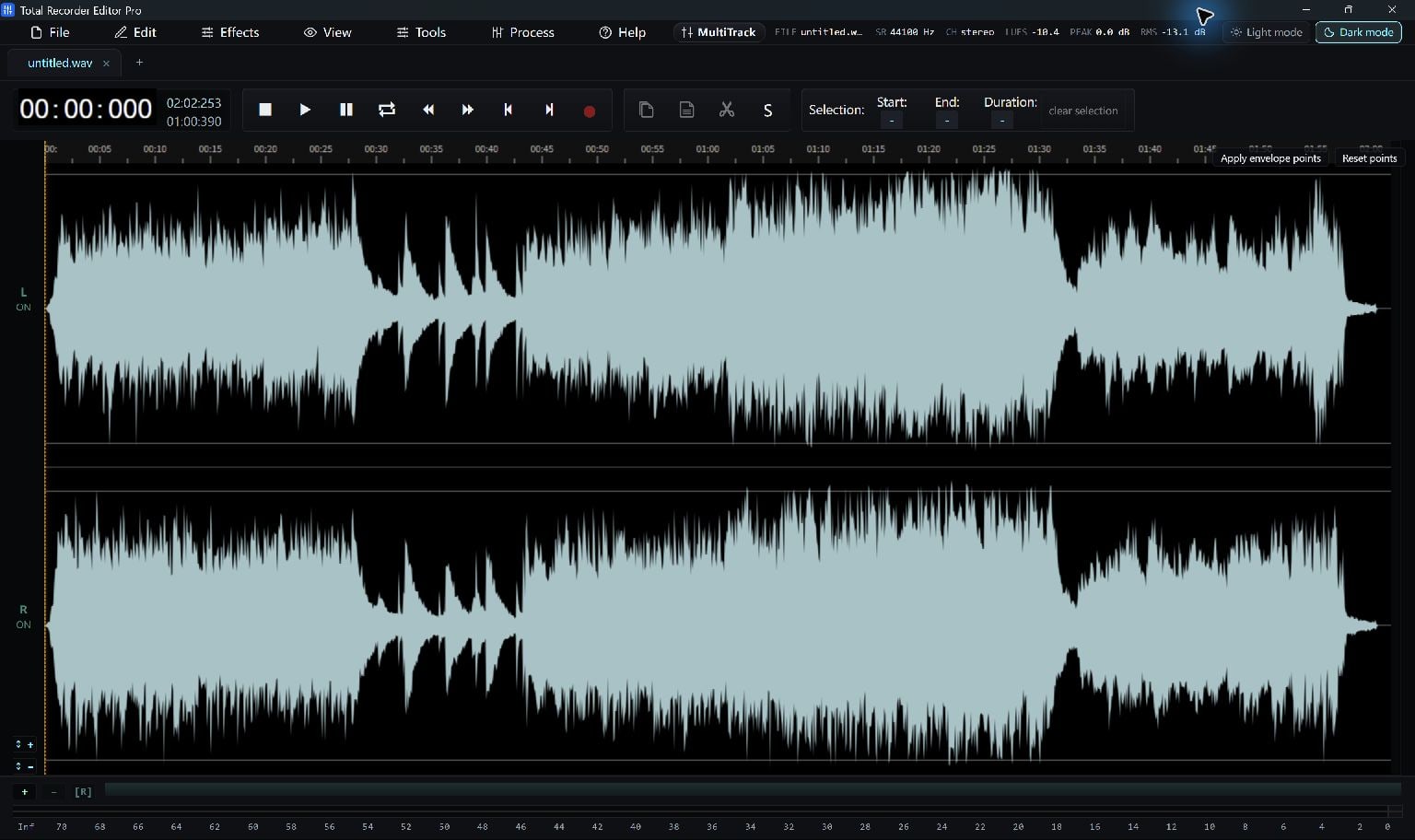
Open The Video
Use File > Open… and choose a supported video, such as MP4, MOV, MKV or AVI. The editor extracts the soundtrack for waveform editing.
Additional media components may need to download on first use. A video must contain a readable audio stream; a silent clip has no soundtrack to extract.
Keep The Audio You Need
Listen to the extracted audio, select unwanted passages and remove them. Use a short fade if the new beginning or ending is abrupt.
For a simple full-length soundtrack conversion, Total Free Audio Converter is another route: add the video and choose an audio output.
Save The Soundtrack
Choose an audio output that fits your next step. MP3 is a compressed listening copy; WAV or FLAC can retain the decoded audio without another lossy encoding stage.
- Choose Save As… or the delivery-export tool.
- Select the output format and a new filename.
- Save, then play the result and check its duration.
Keep Going
More Recorder Editor Pro Guides · Explore Total Recorder Editor Pro · Get Help