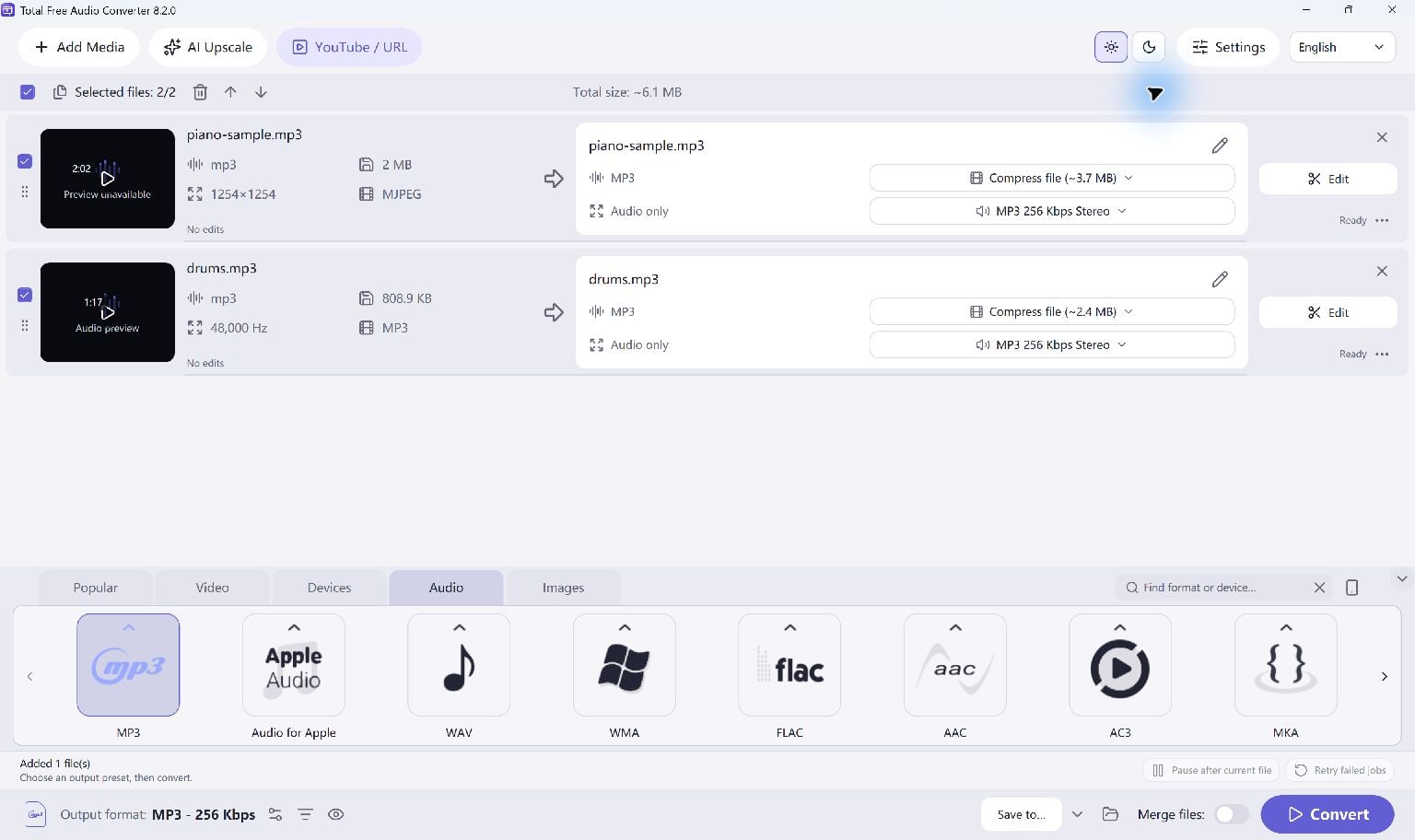
Add Your Audio
Open Total Free Audio Converter and add local audio files. Common input choices include MP3, M4A, AAC, WAV, FLAC, OGG, Opus, WMA and AIFF.
The extension alone does not guarantee a readable file; protected or damaged media may fail.
- Add one file or build a queue.
- Confirm that the intended files are selected.
- Use the edit tools if you only need part of a recording.
Choose An Output
Select MP3 for a compressed everyday copy, WAV for uncompressed PCM, or FLAC for lossless compression. M4A, AAC, OGG and other presets are also available.
If your destination specifies a sample rate, channel layout or bitrate, set it before converting. Otherwise start with the preset rather than changing every parameter.
Convert Into A New Folder
Select a destination and start Convert. Keep the originals until you have checked your outputs.
- Choose an output folder.
- Start Convert and wait for the job results.
- Play a completed file and check that the entire recording is present.
Keep Going
More Audio Converter Guides · Explore Total Free Audio Converter · Get Help