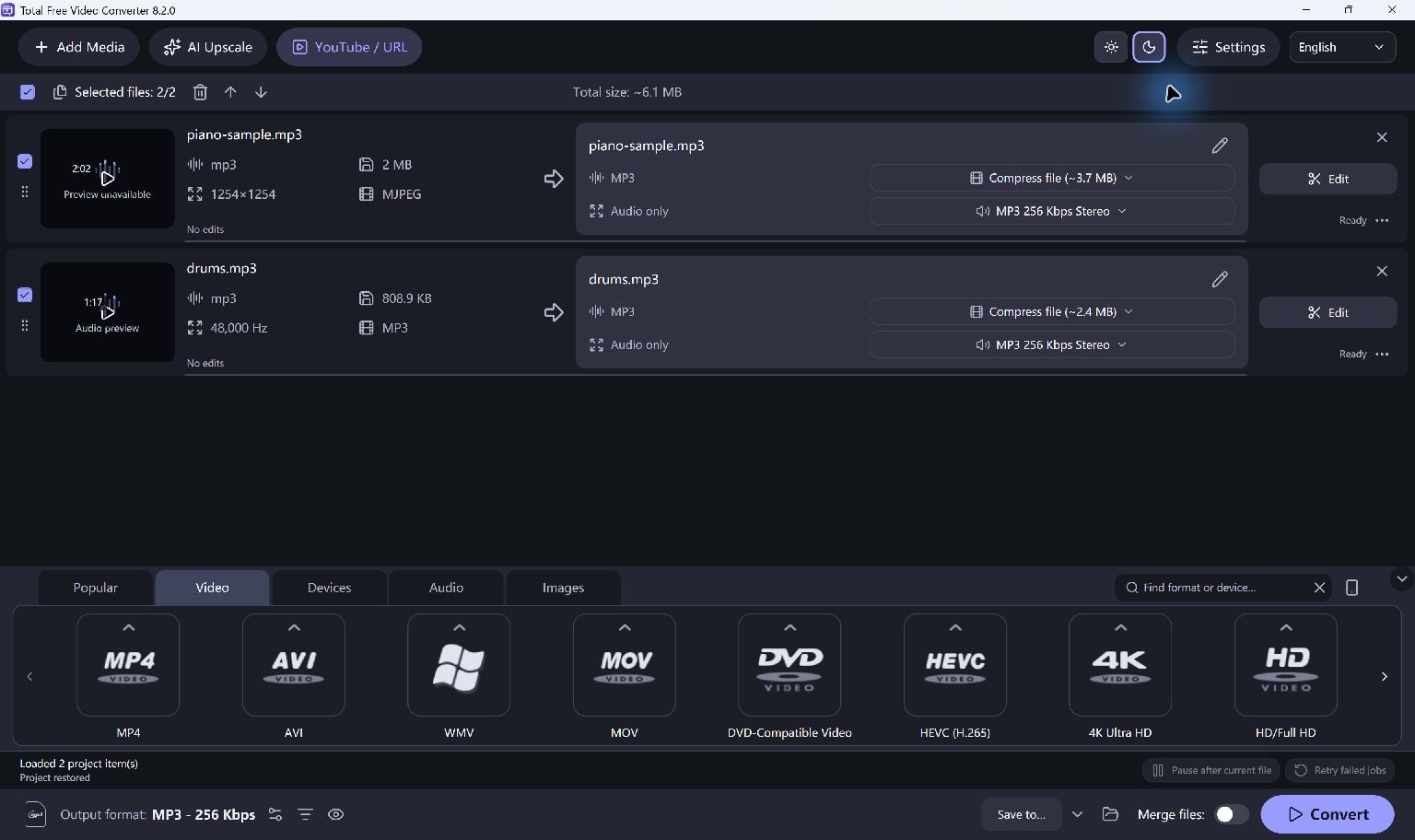
Open The AVI
Add the AVI file to Total Free Video Converter. AVI is a container; its actual video and audio codecs determine whether the source can be read.
Listen and check the picture in the available preview before a long conversion.
Select An MP4 Preset
Choose an MP4 output preset. H.264 video with AAC audio is a useful starting point when the destination supports it.
Keep the source dimensions and frame rate when you do not need to resize. Increasing the resolution does not recreate detail missing from the source.
- Add the AVI clip or clips.
- Choose the MP4 preset and review its settings.
- Trim unwanted sections if needed and select a destination folder.
Create And Test The Copy
Start Convert. After completion, open the MP4 in your intended player and check picture, sound and duration.
Retain the AVI original until the new copy meets your needs.
Keep Going
More Video Converter Guides · Explore Total Free Video Converter · Get Help