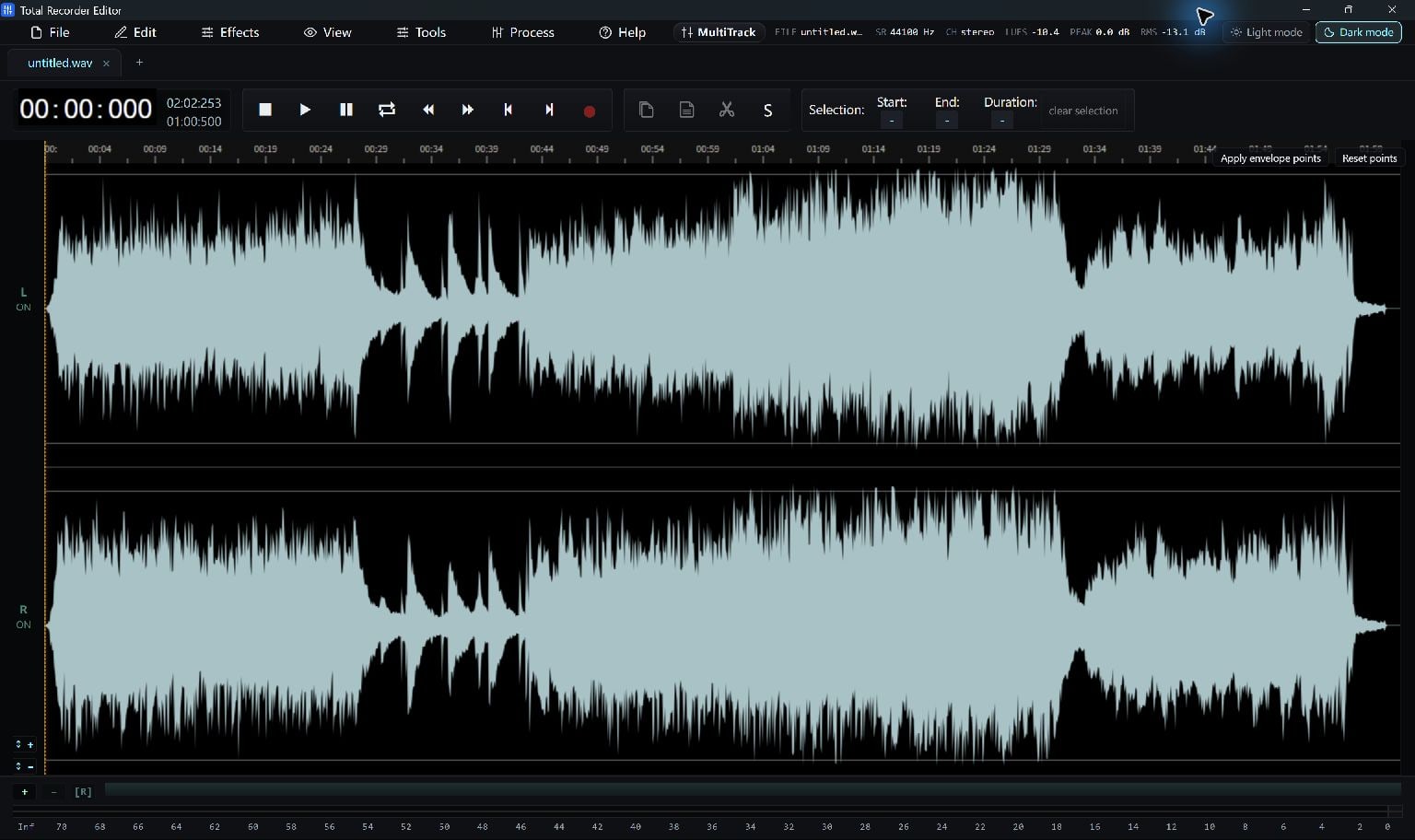
Generate the voice in your chosen text-to-speech tool, then import the audio here for editing and export.
Start With A Speech File
Create the voice in a text-to-speech tool of your choice and save an audio file. Open that file in Total Recorder Editor to refine the recording.
Choose a supported format such as WAV or MP3. Keep your text and the original generated audio so you can revise a sentence later.
Refine The Spoken Audio
Open the speech file in Total Recorder Editor. Listen for long pauses, abrupt joins or phrases that need to be regenerated.
Trim unnecessary silence and adjust the volume. A short fade can soften a hard start or ending; heavy noise processing is usually unnecessary for a clean generated voice.
- Open the generated audio file.
- Select and remove unwanted silence.
- Listen across each edit and undo any change that cuts a word.
Save A Delivery Copy
Export a format that fits the destination: for example, MP3 for a compressed listening file or WAV for further editing.
If you change the script, regenerate the affected speech in the original tool before replacing that section in your edit.
Keep Going
More Audio Editor Guides · Explore Total Recorder Editor · Get Help