Start With A Clear Goal
Choose one problem at a time: a hard ending may need a fade, uneven speech may need level adjustment, and a steady background sound may need careful noise reduction.
Save a project before a substantial change. Effects can alter useful sound as well as the part you are trying to fix.
Choose The Audio To Change
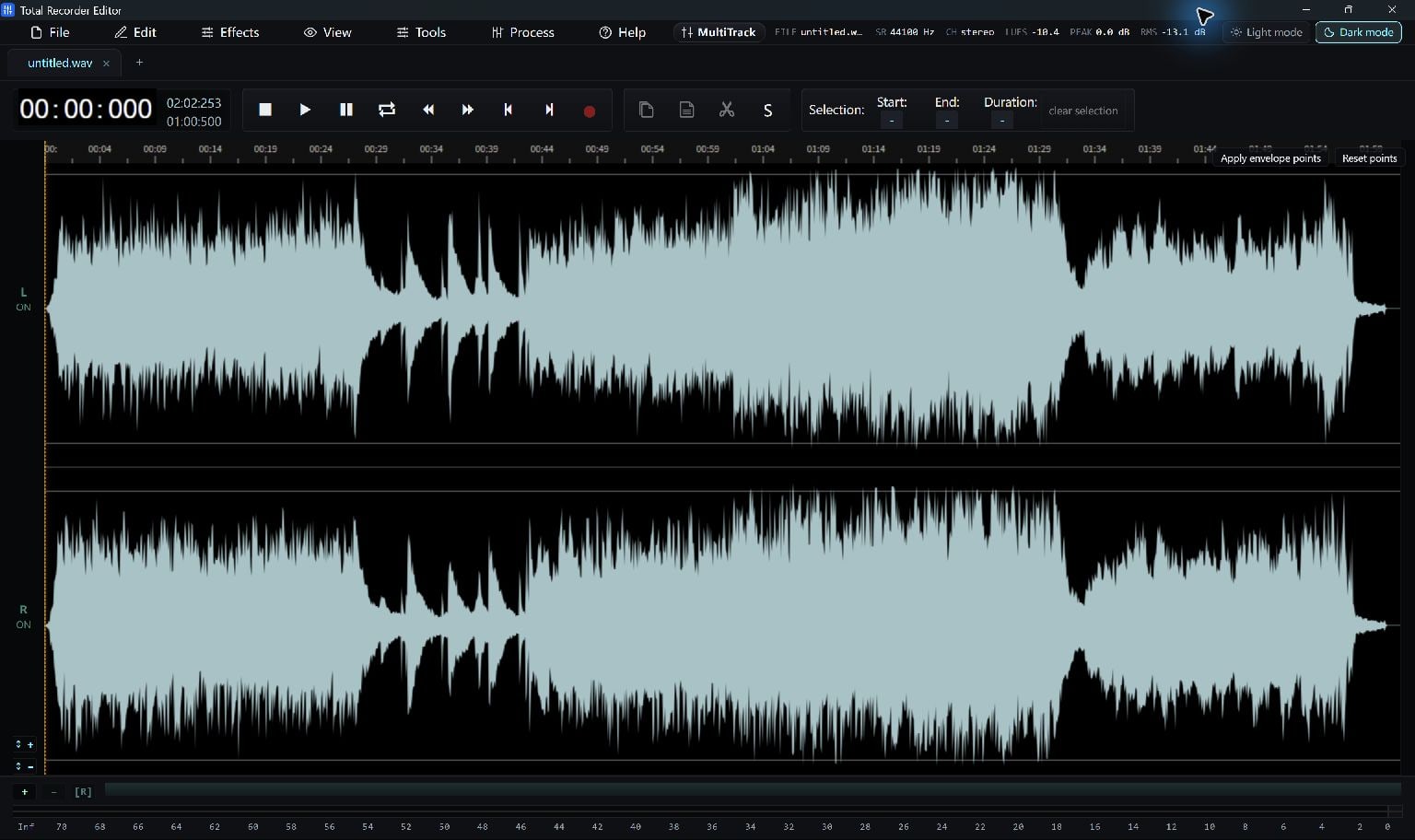
Select a waveform region to process a specific passage. Clear the selection when you intend to work on the entire recording.
Check both selection boundaries so the effect does not start or stop halfway through a word or note.
- Open the recording and listen to the problem.
- Select the part to change.
- Choose the relevant effect or processing tool.
Preview And Compare
Start with modest settings. Listen to the affected section and the nearby unprocessed audio.
Use Undo and Redo or the available comparison tools to judge the result. Avoid making the processed version seem better only because it is louder.
Save The Finished Copy
Once the result is right, save the project and export a playable copy.
Useful available tools include EQ, fades, normalization, compression, limiting, noise reduction, reverb and repair. Their value depends on the recording; no preset guarantees a clean result.
Keep Going
More Audio Editor Guides · Explore Total Recorder Editor · Get Help