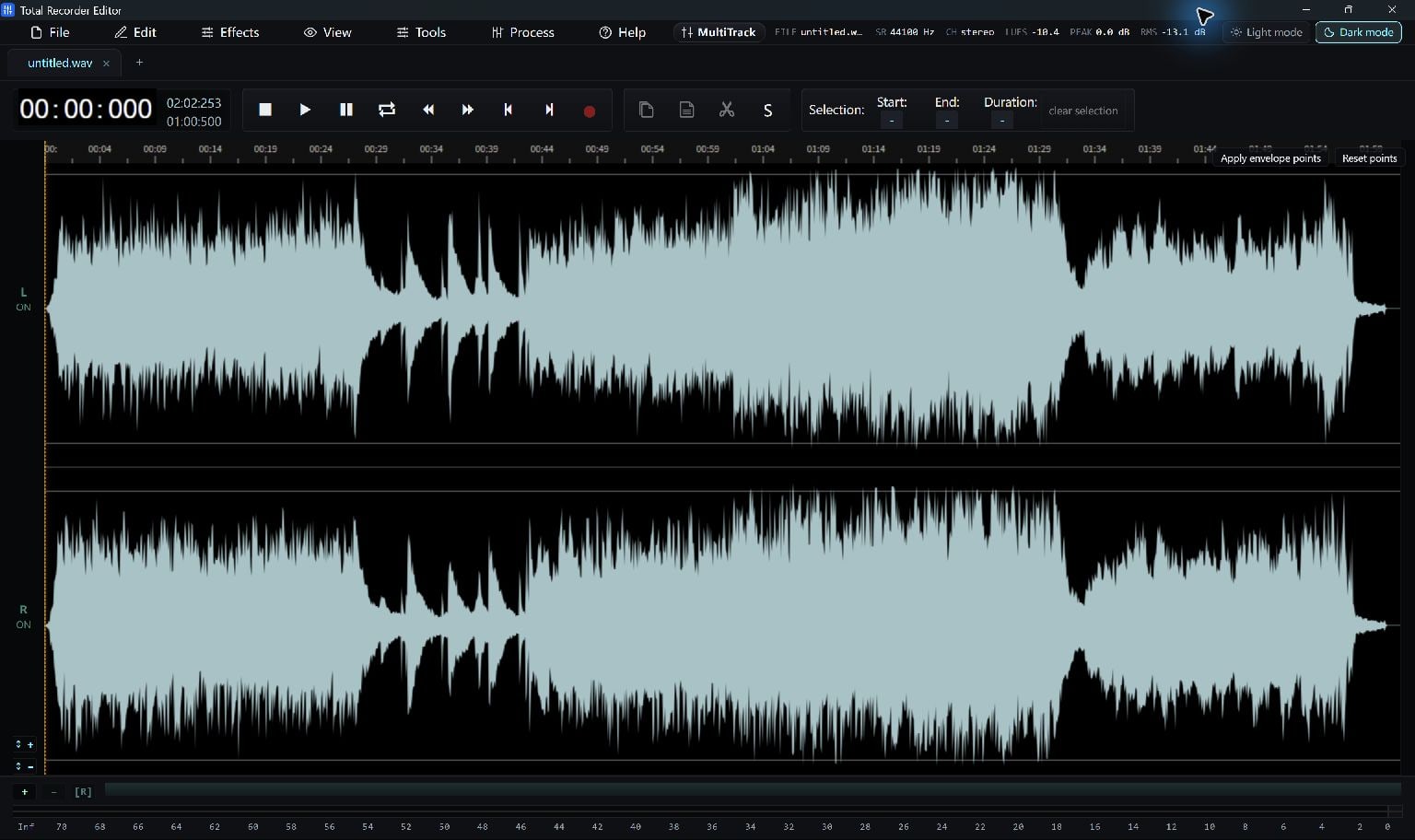
Waveform And Spectrum Show Different Things
The waveform shows changes in level over time. Spectrum analysis shows how energy is distributed across frequencies.
A spectrogram adds time to the frequency view, helping you see when a tone, burst or repeated sound occurs. A picture helps you investigate; it does not automatically identify the cause.
Inspect A Representative Passage
Open a recording and play a section you want to investigate. The English interface includes Spectrum Analyser and a docked Spectrogram tool.
Use the same passage when comparing before and after processing so the visual change is meaningful.
- Open the analyser or spectrogram.
- Play a section containing the sound of interest.
- Compare a nearby quiet or unaffected section.
Make A Focused Adjustment
For a broad tonal issue, try a modest EQ change. The spectrogram also has frequency-box attenuation and cut controls for selected regions.
Preview the result. Aggressive cuts can affect speech, music and ambience as well as the unwanted sound. Save the project before a substantial repair.
Keep Going
More Audio Editor Guides · Explore Total Recorder Editor · Get Help