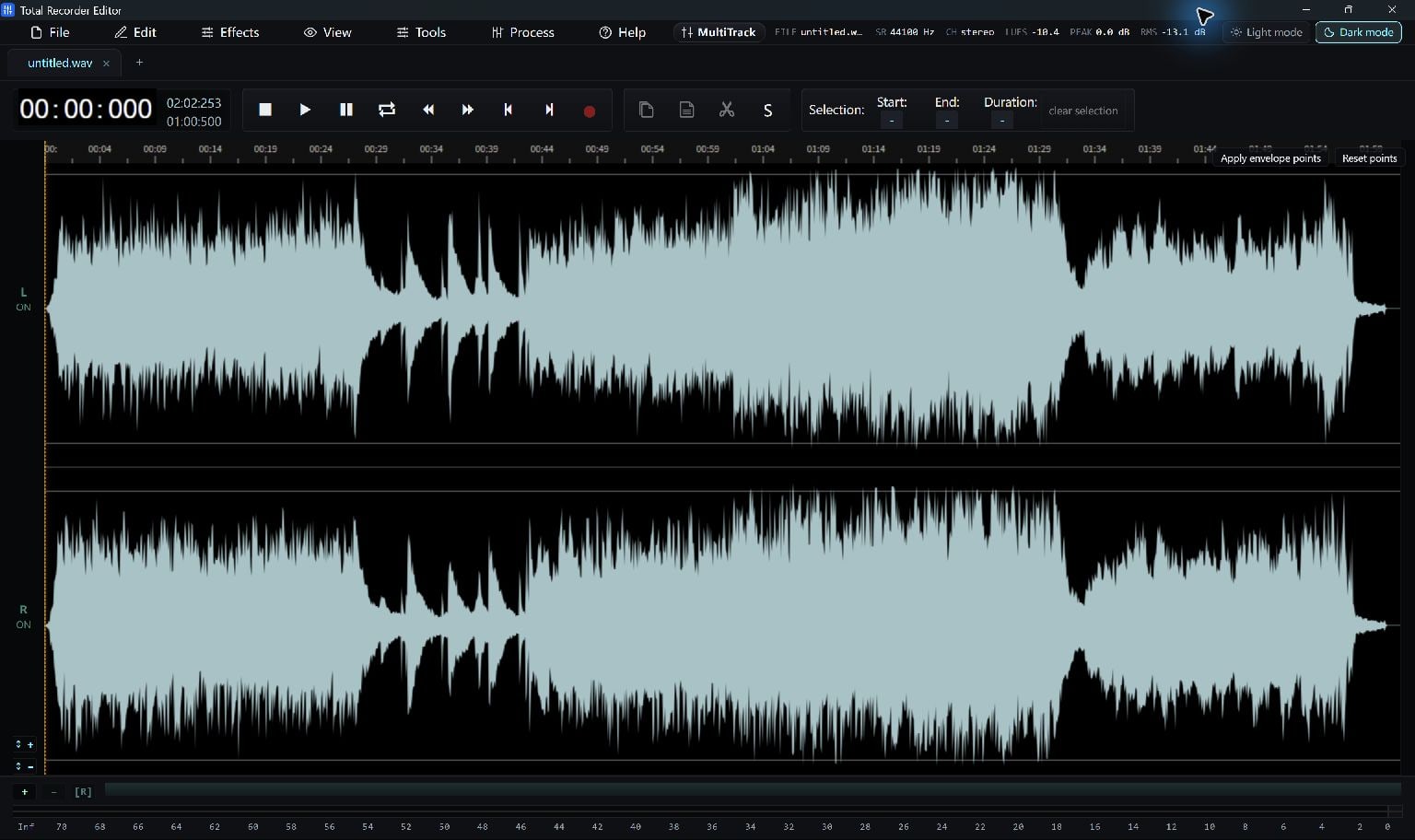
Start With The Cheat Sheet
Press F1 to open the built-in shortcut sheet. It is the best reference for the keys in the current editor.
Follow the built-in bindings shown in the shortcut sheet. Use the matching menu command if a shortcut conflicts with another application.
Common File And Editing Keys
Ctrl+O opens a file; Ctrl+S saves; Ctrl+Shift+S opens Save As…. Ctrl+C, Ctrl+X and Ctrl+V copy, cut and paste selected audio.
Ctrl+Shift+I opens Insert File… and Ctrl+Shift+R opens the native recording tool. Click back into the editor when a text field is using keyboard input.
- Open the shortcut sheet with F1.
- Try one command on a short test recording.
- Use the displayed current Undo command if you need to reverse an edit.
Use The Right Action For The Job
Save keeps a working audio file, while delivery export and project saving serve different purposes. Check the command name before relying on a memorized key.
A shortcut acts on the current tab and selection. Confirm the active audio before cutting or pasting.
Keep Going
More Audio Editor Guides · Explore Total Recorder Editor · Get Help