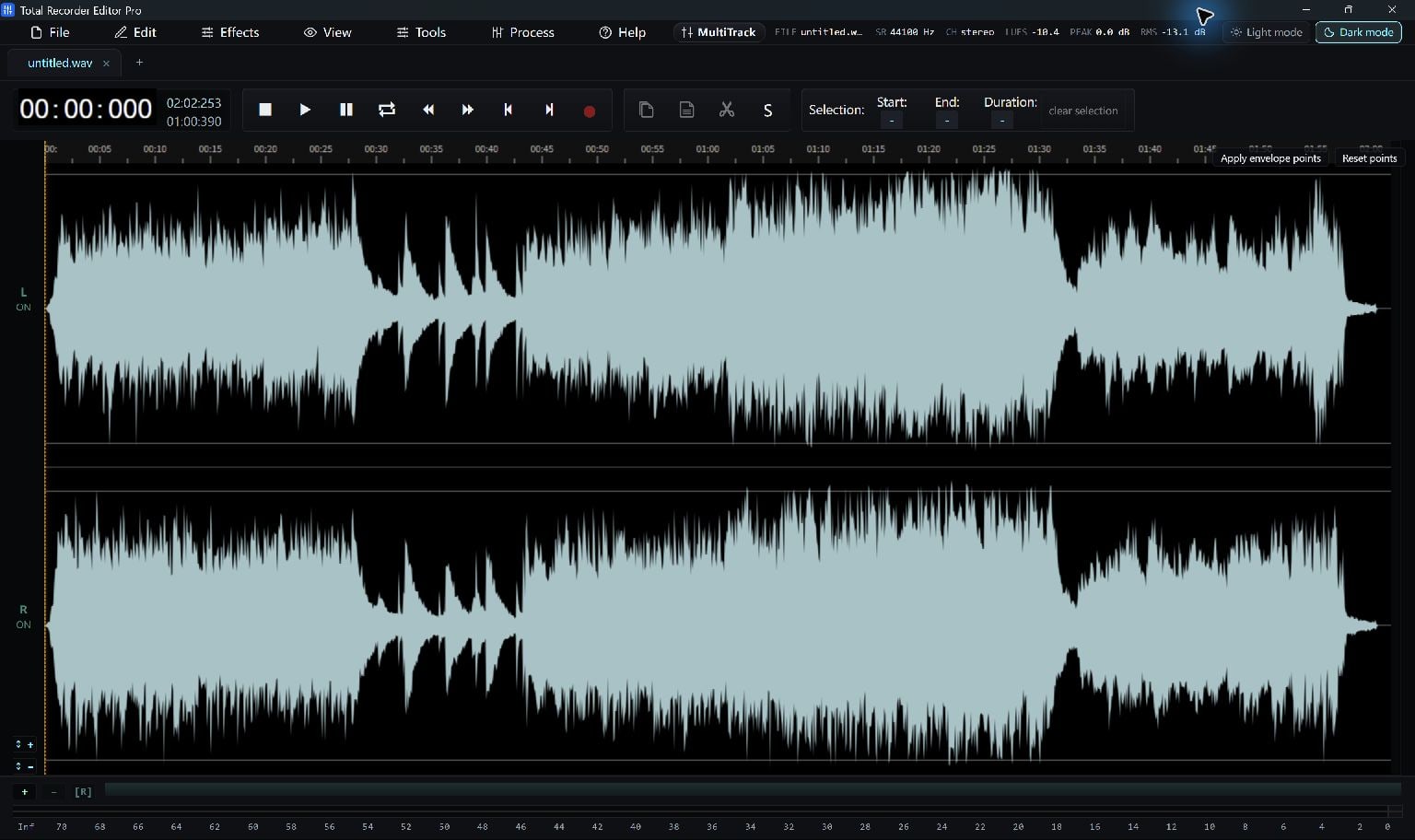
Prepare the audio in Total Recorder Editor Pro, then use an audio-CD authoring tool for the disc-writing step.
Prepare Tracks Before Authoring
Finish your tracks in Total Recorder Editor Pro, then use a separate audio-CD authoring application to write them to disc.
You can edit and export your tracks here. Use a separate application that explicitly supports audio-CD authoring for the physical disc.
Finish The Tracks
Remove unwanted silence, check track boundaries and listen to the transitions. Keep each track separate if you want separate CD track navigation.
Export copies using the format required by the CD-authoring application. A conventional audio-CD preparation target is stereo PCM WAV at 44.1 kHz and 16-bit; confirm the authoring tool's own requirements.
- Finish each track and keep its editing project.
- Export separate WAV copies to a dedicated folder.
- Play the copies and arrange the desired track order.
Author And Check The Disc
Import the WAV copies into the separate tool's audio-CD project. A data disc containing WAV files is not the same thing as an audio CD.
Use that tool's device and disc instructions. Test the finished disc in the player where you plan to use it.
Keep Going
More Recorder Editor Pro Guides · Explore Total Recorder Editor Pro · Get Help