Check The Source
Start with a WMA file that plays correctly. The converter can accept supported WMA audio, but protected or damaged files may not be readable.
Keep the WMA originals if they are your only copies. Converting between lossy formats introduces another encoding stage.
Choose MP3
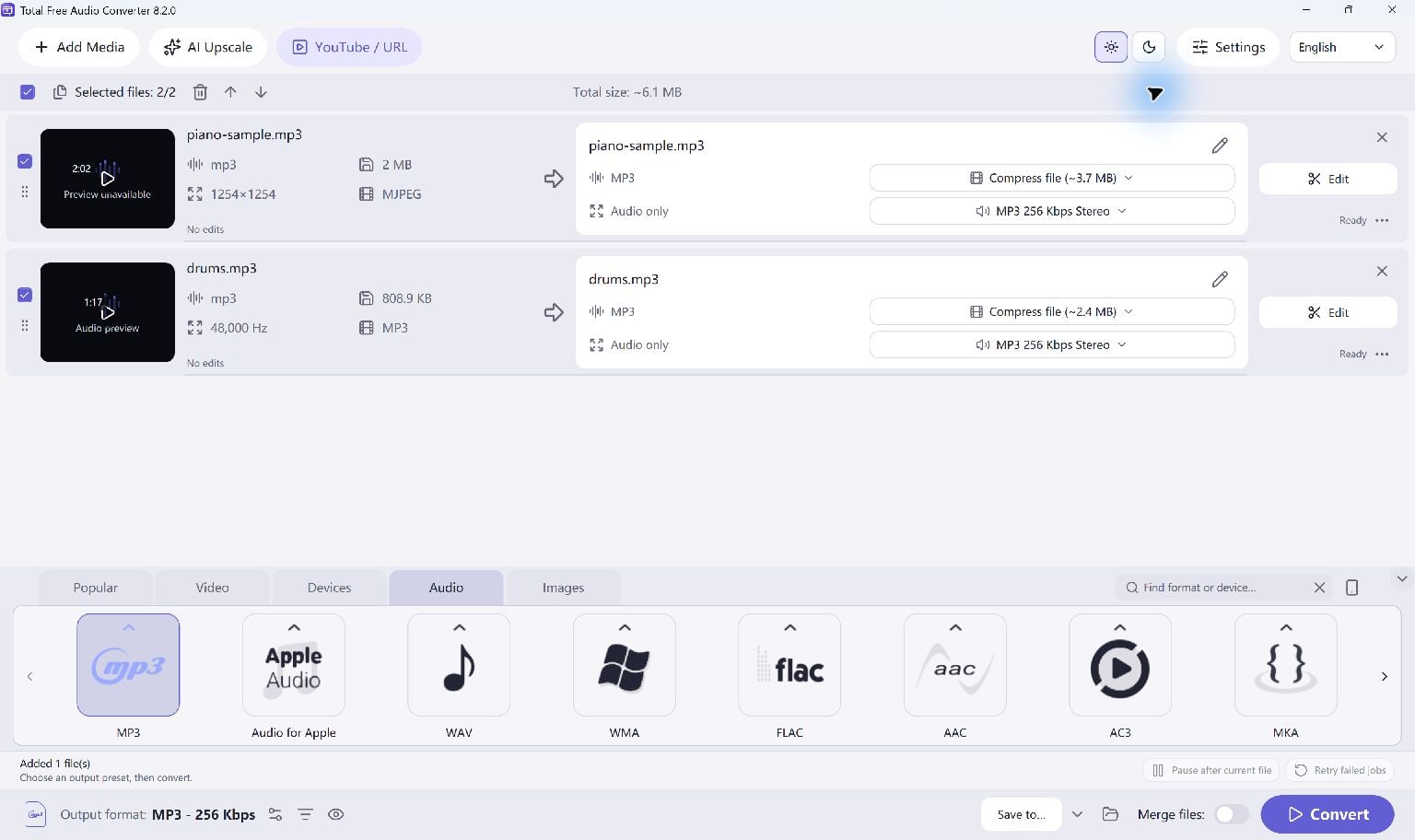
Add the WMA files to Total Free Audio Converter and select an MP3 output preset. Choose the quality you need rather than assuming the highest bitrate will improve the original recording.
- Add your WMA files.
- Select MP3 in the output presets.
- Choose a separate destination folder.
Convert And Listen
Start Convert. When the queue finishes, open the output folder and play the new MP3 files.
If a file fails, check that the source is readable and review the reported error before retrying.
Keep Going
More Audio Converter Guides · Explore Total Free Audio Converter · Get Help